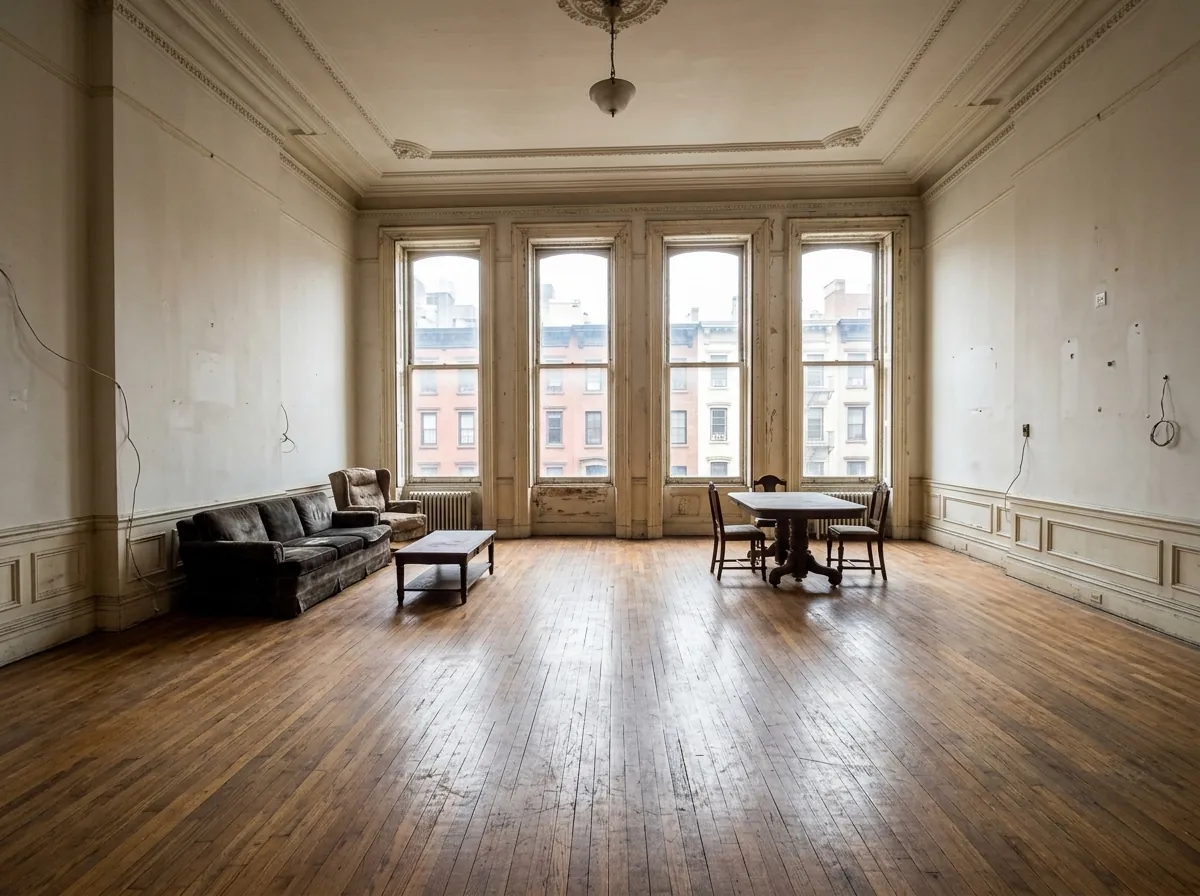
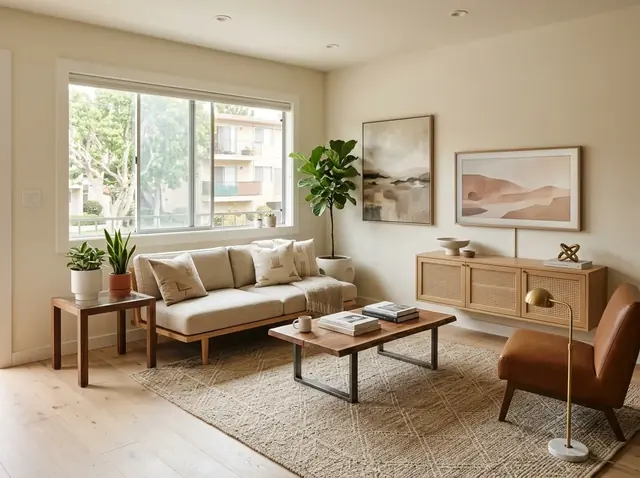
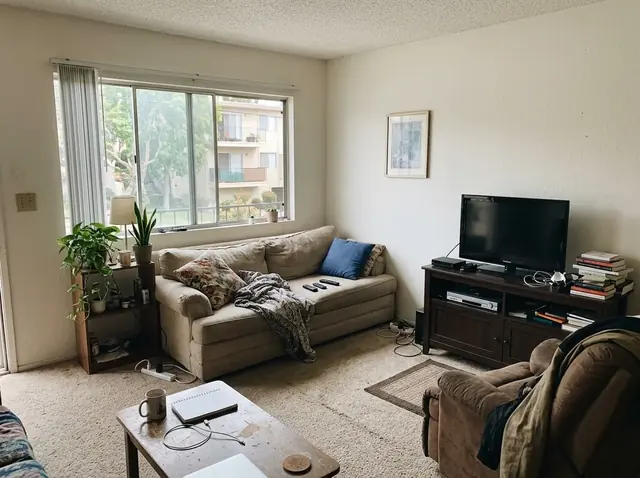
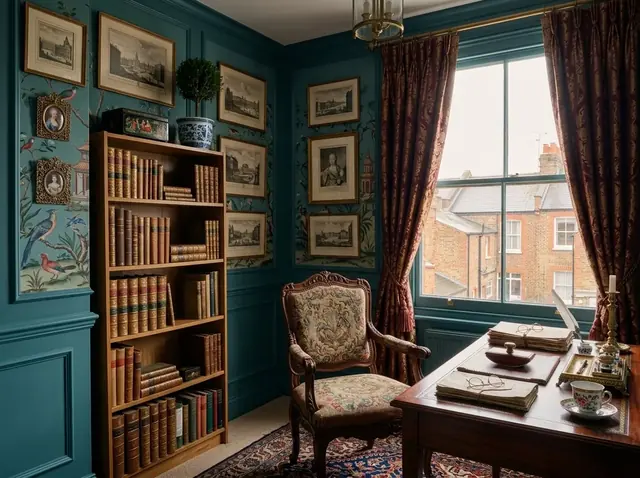
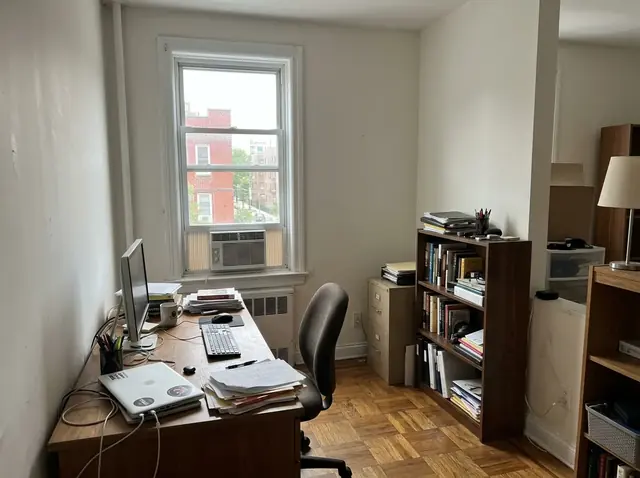
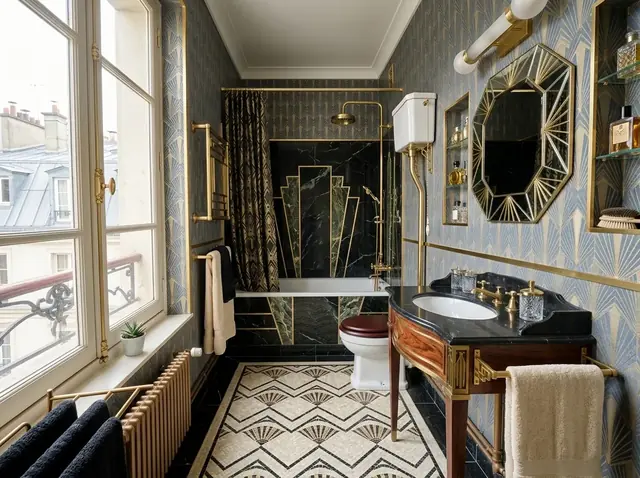
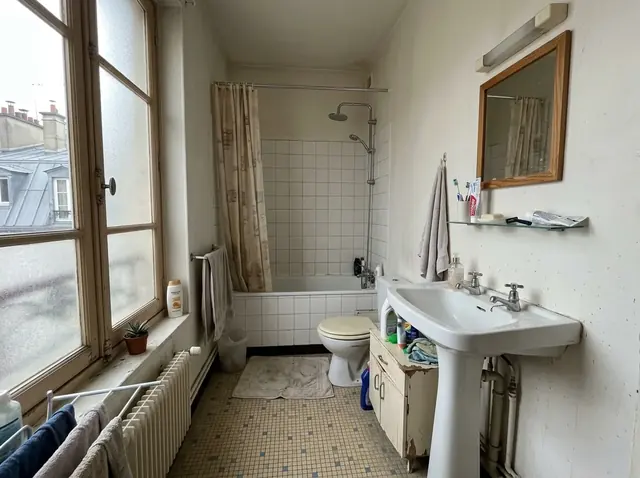
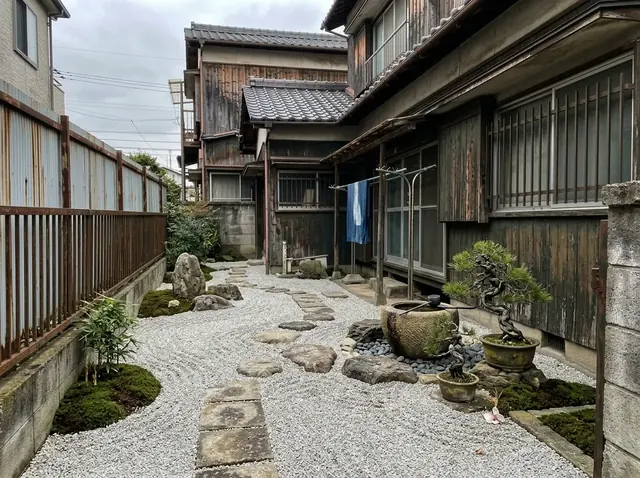
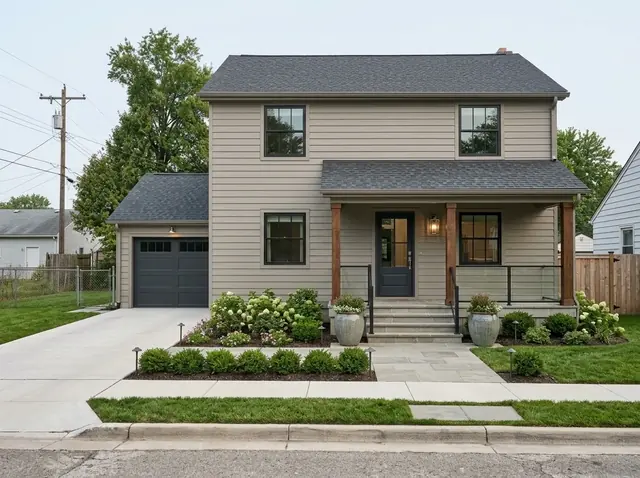
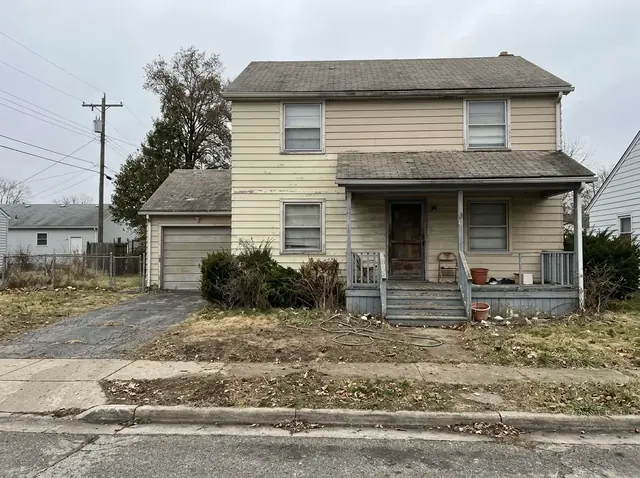
Upload a photo of any room, façade or yard. HomeSkin studies the lighting, the clutter, the dated finishes — tells you exactly what's holding the space back, then shows you the fix in seconds.
Free plan included. No credit card required. Android.
Full commercial rights on every export
90+ styles · 230+ purpose‑built fixes
BeforeAfter
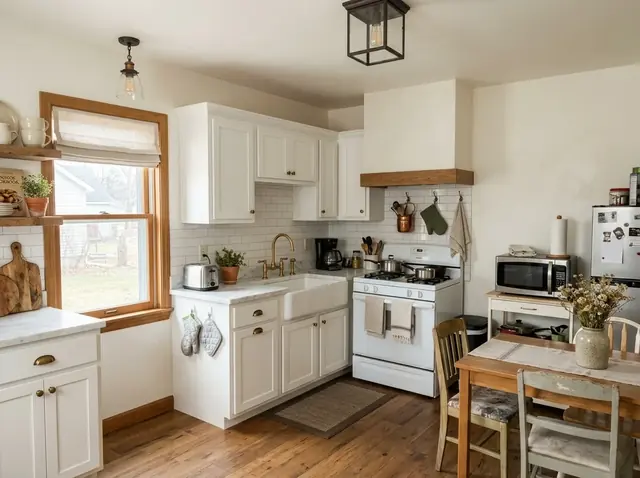
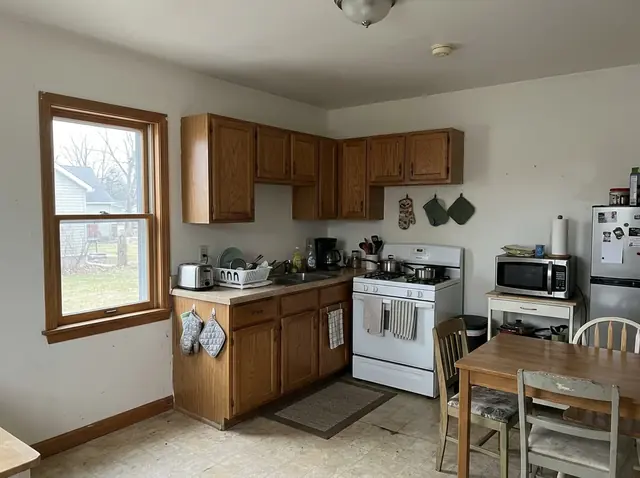
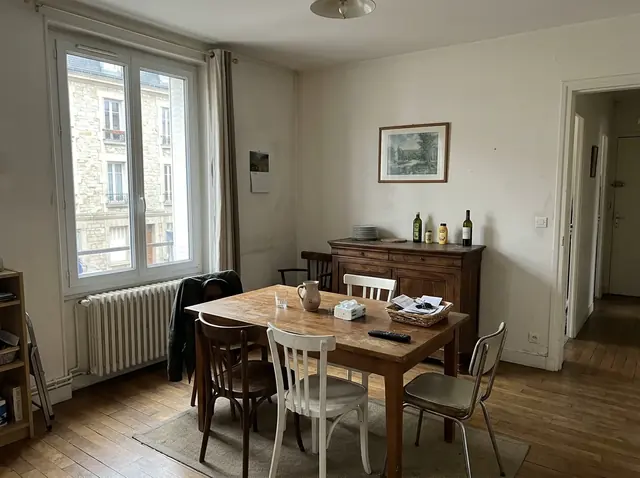
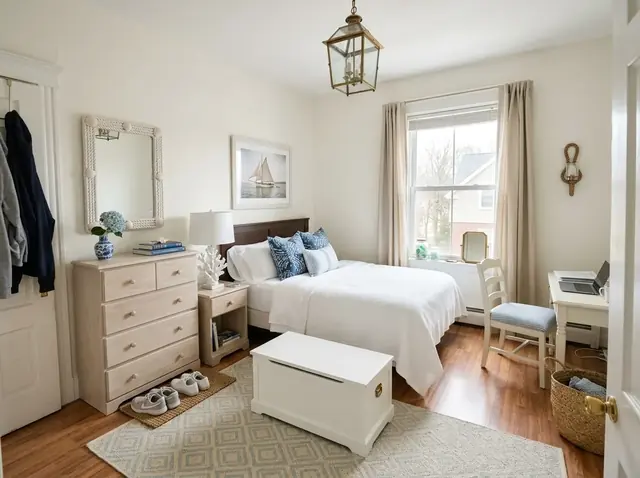
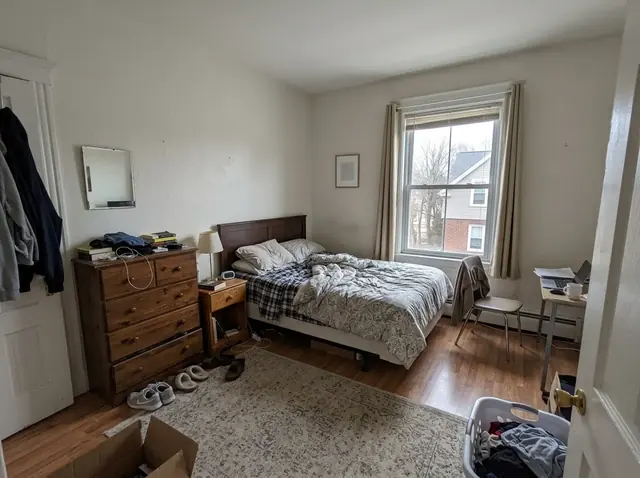
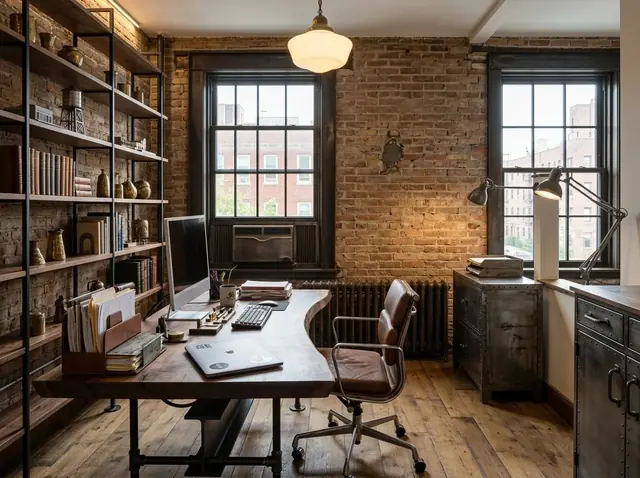
Example made with HomeSkin — drag to compare. Results vary by space.
Analyzes lighting, clutter & style automatically
Free plan — try it before you pay
You own every image HomeSkin creates
The Loop
Four steps from a phone photo to a finished direction.
01
Upload
Any interior, façade, yard or listing photo — from your camera or library.
02
Diagnose
Smart Detection flags what's working against the space — dated finishes, dead landscaping, poor light — before you even ask.
03
Direct
Pick a style, a specific fix, a photo to match — or just describe it in plain language.
04
Export
Download in HD, no watermark on paid plans, full commercial rights included.
Capability, not filters
A full design agent — not a one‑tap filter.
Everything below runs on the same photo. Mix a style with a specific fix, then keep refining by chat.
Smart Detection
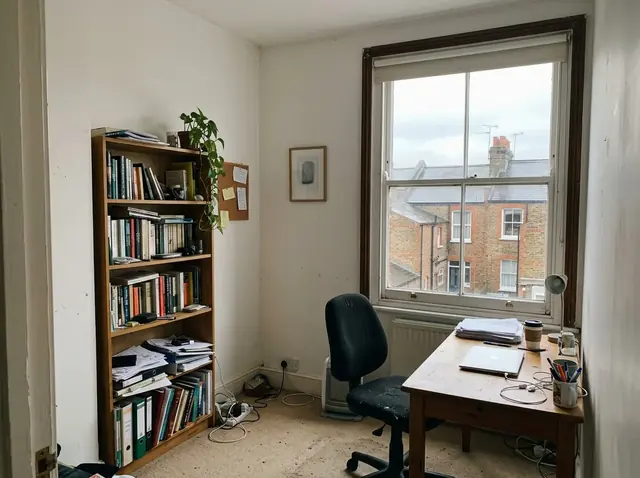
Upload a photo and HomeSkin reads it first — flagging clutter, bad lighting, dated furniture or dead landscaping — then recommends the exact fix, before you have to know what to ask for.
Overcast lighting detected — brighten & warm
Cluttered surfaces — declutter recommended
Dated cabinetry — refresh finishes
Conversational editing
"Make the walls sage green." "More like a boutique hotel." Keep refining a finished design by chat, one request at a time.
90+ styles, 230+ fixes
A global taxonomy across regions, eras and architecture, plus purpose‑built tools for one specific change at a time.
Reference Style
Show it a photo you love — it matches that exact look to your own room.
Color & material
Repaint a wall, swap a countertop material — instantly, on the real photo.
Style Challenges
Weekly themes and an opt‑in community gallery for inspiration and feedback.
Export & handoff
PDF, moodboard or HD image download — with full commercial rights on every plan.
The Style Universe
From Scandinavian minimalism to Mediterranean villas.
Ten style families, drawn from a global, region‑spanning taxonomy — each with its own palette and material language.
BeforeAfter
Contemporary
Clean lines, warm neutrals, brass accents.
BeforeAfter
Traditional
Rich woods, classic silhouettes, gilded detail.
BeforeAfter
Rustic & Country
Barnwood, linen, forest greens.
BeforeAfter
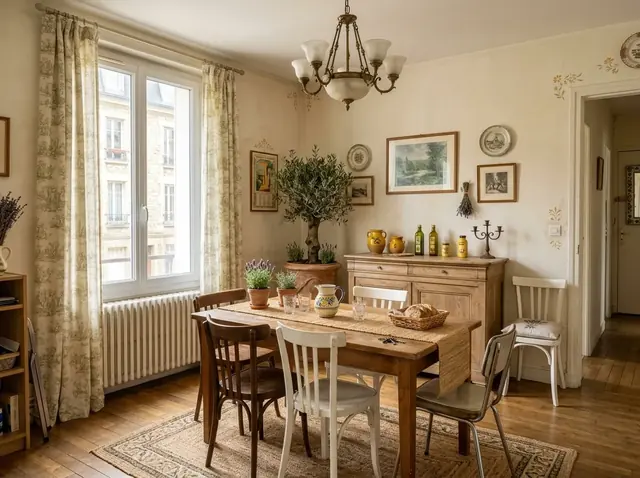
European
Sage plaster, ivory stone, walnut trim.
BeforeAfter
Coastal & Natural
Seafoam, sand, driftwood textures.
BeforeAfter
Industrial & Urban
Steel, raw concrete, rust‑toned metal.
BeforeAfter
Luxury & Elegant
Emerald, champagne, lacquered black.
BeforeAfter
Asian & Eastern
Lacquer red, bamboo, deep ink.
BeforeAfter
Transitional
Taupe, cream, a touch of blue‑grey.
BeforeAfter
Specialty
Bold, unexpected, one‑of‑a‑kind palettes.
Built for the whole room — and the whole industry
Homeowners plan a refresh. Professionals run their whole book of business on it.
Pro Mode adds client/project folders, precise parameter controls and export & handoff tools built for commercial work — every design ships with full commercial rights.
Why trust it with your home
Built to be trusted with the photos of your actual home.
Try before you pay
The Free plan lets you generate real designs before upgrading, so you know exactly what you're paying for.
You keep every right
Every image HomeSkin generates is yours — full commercial rights, on every plan, including Free.
Unused uploads don't linger
Upload a photo but never finish a design from it? It's automatically deleted within 3 days — nothing sits around with no purpose.
Pay securely with Razorpay — UPI, cards and netbanking in India. Plans are one-time payments for the period you pick and don't renew automatically. Your plan works in the HomeSkin app as soon as you sign in with the same email.
Questions
Frequently asked.
Yes. Every design you generate ships with full commercial rights — including on the Free plan — so you can use it for a listing, a client presentation, or anything else.
If a photo never becomes a finished design within 3 days, we delete it automatically. Once you have a finished design, both photos stay for as long as your account exists — see our Privacy Policy for details.
No. The Free plan includes a small number of watermarked, HD designs with no credit card required — enough to see the core loop for yourself.
Yes — Pro Mode adds client/project folders and export & handoff tools for agents, designers, architects, contractors and landscapers, with full commercial rights on every export.
We don't offer refunds on paid plans — the Free plan is there specifically so you can try HomeSkin with real designs before upgrading. See our Refund Policy for details.
Now on Android
Download HomeSkin today.
HomeSkin is available on Android. Get it free on Google Play.
HomeSkin (the HomeSkin app and homeskin.in) is developed and operated by In Out Green ("we", "us", "our"). This policy explains what personal data we collect, why we collect it, and the choices you have. It is published in accordance with India's Information Technology Act, 2000 and the rules made under it, and the Digital Personal Data Protection Act, 2023. By using HomeSkin you agree to this policy.
1. What we collect
Account information — your email address and, if you sign in with Google or Apple, the basic profile details those providers share with us (such as your name).
Your photos and designs — photos you upload for redesign, and the designs HomeSkin generates from them.
Purchase information — your plan, billing period and payment status. Card, UPI and bank details are entered directly with Google Play or Razorpay; we never see or store them.
Usage data — the features you use and events such as uploads, generations and shares, collected through our analytics provider to improve the product.
Device and technical data — basic device and app-version information needed to keep the service running reliably, plus a device identifier and IP address recorded at sign-up to detect abuse of free accounts (for example, one device repeatedly creating new accounts).
2. How we use it
To generate and refine designs from the photos you upload.
To detect issues in a space (lighting, clutter, dated finishes) and recommend fixes.
To operate your account, plan, payments and design quota.
To detect and prevent fraud and free-plan abuse.
To send you sign-in codes and essential service messages.
To improve HomeSkin through aggregated product analytics.
We process your data on the basis of your consent, which you give when you create an account, and to provide the service you asked for. You can withdraw consent at any time by deleting your account.
3. Who we share it with
We share data only with service providers who process it on our behalf to run HomeSkin:
Our AI processing provider, to generate your designs.
Our authentication, database and storage providers.
Our email delivery provider, to send sign-in codes.
Our product analytics provider.
Google Play (in the app) and Razorpay (on homeskin.in), to process payments.
Google and Apple, if you choose to sign in with them.
Designs you choose to post to the community gallery are visible to other HomeSkin users. We may also disclose data where required by law or by a lawful request from a government authority. We do not sell your photos or personal data.
4. How long we keep it
If you upload a photo but never generate a finished design from it within 3 days, we delete that photo automatically. Once a design is generated, the original photo and the result are kept for as long as your account exists, so your before/after history stays intact. Deleting your account removes them immediately. Payment records are kept for as long as tax and accounting law requires.
5. Your rights
You can ask to access, correct, export or delete your personal data, or withdraw your consent, at any time. Delete your account in the app under Profile › Delete account, see Delete your account, or email mail.homeskin@gmail.com. We respond within 30 days.
6. Age requirement
HomeSkin is intended only for people aged 18 and over. We do not knowingly collect personal data from anyone under 18. If you believe someone under 18 has created an account, contact us and we will delete it.
7. Security
Data is encrypted in transit, payment details are handled only by our payment providers, and access to our production systems is restricted and protected by two-step sign-in. No method of storage or transmission is completely secure, but we take reasonable steps to protect your data.
8. Changes to this policy
We will post any changes on this page and update the "last updated" date above. If a change is significant, we will also let you know in the app or by email.
9. Grievance Officer and contact
For any question or complaint about your data or this policy, contact our Grievance Officer at mail.homeskin@gmail.com. We acknowledge complaints within 48 hours and resolve them within 30 days.
Terms & Conditions
Last updated: 21 October 2026
HomeSkin (the HomeSkin app and homeskin.in) is developed and operated by In Out Green ("we", "us", "our"). These Terms are an agreement between you and In Out Green.
1. Acceptance
By creating a HomeSkin account or using the app or website, you agree to these Terms and our Privacy Policy. If you don't agree, please don't use HomeSkin.
2. The service
HomeSkin analyzes photos of interior, exterior and outdoor spaces and generates AI redesign suggestions and images based on the styles, features and instructions you choose.
3. Eligibility and accounts
You must be at least 18 years old to create an account and use HomeSkin. You must provide accurate information, keep your sign-in secure, and you are responsible for activity on your account.
4. Plans, payments and renewal
The Free plan includes a one-time allowance of designs. Personal and Professional plans include a design allowance for each billing period. Current plans, prices and limits are shown on our pricing section and in the app.
In the app (Google Play): subscriptions renew automatically at the end of each billing period until you cancel in the Google Play Store. Cancel at least 24 hours before renewal to avoid the next charge.
On homeskin.in (Razorpay): you pay once for the period you choose (weekly, monthly or yearly). It does not renew automatically. When the period ends, your account returns to the Free plan unless you buy again.
Prices are shown before you pay, in the currency of your purchase. We may change prices for future billing periods; changes never affect a period you have already paid for.
Payments are non-refundable except as described in our Refund Policy.
5. Your content
You keep ownership of the photos you upload, and you have full commercial rights to every design HomeSkin generates for you. You confirm you have the right to upload each photo you submit. You give us permission to store and process your photos only to provide the service to you. If you post a design to the community gallery, you allow other HomeSkin users to view it there until you delete it.
6. Acceptable use
Don't upload photos you don't have the right to use, or photos of people without their permission.
Don't upload illegal, infringing, sexual, violent or otherwise harmful content.
Don't try to disrupt, reverse-engineer, scrape or abuse the service, or create multiple accounts to get extra free designs.
We may remove content or suspend accounts that break these rules.
7. AI-generated results
Designs are generated by AI and are provided "as is" for planning and visualization only. Results can vary, and HomeSkin doesn't guarantee that a design can be built exactly as shown. Check measurements, materials, structural and safety matters with a qualified professional before any renovation.
8. Our intellectual property
The HomeSkin app, website, brand and underlying technology belong to In Out Green. These Terms don't give you any rights to them beyond using HomeSkin as intended.
9. Limitation of liability
To the maximum extent permitted by law, In Out Green is not liable for any indirect, incidental or consequential loss arising from your use of HomeSkin. Our total liability for any claim is limited to the amount you paid us in the three months before the claim.
10. Termination
You can stop using HomeSkin and delete your account at any time. We may suspend or close accounts that break these Terms. Sections 5, 7, 8, 9 and 11 continue to apply after your account ends.
11. Governing law and disputes
These Terms are governed by the laws of India. Any dispute arising from them or from your use of HomeSkin is subject to the exclusive jurisdiction of the courts in India. Before going to court, please contact us so we can try to resolve the issue.
12. Changes
We will post any changes on this page and update the "last updated" date above. Continuing to use HomeSkin after a change means you accept the updated Terms.
13. Contact and grievances
For any question or complaint, contact our Grievance Officer at mail.homeskin@gmail.com. We acknowledge complaints within 48 hours and resolve them within 30 days.
Refund & Cancellation Policy
Last updated: 21 October 2026
HomeSkin is developed and operated by In Out Green ("we", "us", "our"). This policy covers purchases of HomeSkin Personal and Professional plans.
1. Try before you buy
The Free plan lets you create real designs and try HomeSkin's main features before you pay. Please use it to make sure HomeSkin is right for you before upgrading.
2. Refunds
Because each design uses paid AI processing as soon as it is generated, payments for Personal and Professional plans are non-refundable, including for partly used billing periods.
We will always refund you in full if:
you were charged more than once for the same purchase, or
money was taken from your account but your plan was not activated.
Email mail.homeskin@gmail.com within 7 days with your HomeSkin email address and the payment reference. Approved refunds go back to your original payment method within 5–7 working days. Your bank may take a few more days to show it.
3. Cancelling
Bought in the app (Google Play): cancel any time in the Google Play Store under Profile › Payments & subscriptions › Subscriptions. You keep your plan until the end of the period you've paid for, and you won't be charged again.
Bought on homeskin.in: these plans don't renew automatically, so there is nothing to cancel. Your plan ends at the end of the period you paid for.
Deleting your HomeSkin account does not cancel a Google Play subscription. Cancel it in Google Play first.
4. Google Play purchases
Refunds for purchases made through Google Play are handled by Google under the Google Play refund policy. You can request one from Google directly.
5. Changes
We will post any changes on this page and update the "last updated" date above.
HomeSkin (“HomeSkin: AI Interior Design” on Google Play) is developed by In Out Green. You can delete your account and its data at any time. You don't need to contact us to do it.
Delete it in the app
Open HomeSkin and sign in to the account you want to delete.
Tap Profile in the bottom bar.
Scroll down and tap Delete account.
Confirm with Delete. Your account is deleted straight away and you're signed out.
Can't open the app?
Email mail.homeskin@gmail.com from the email address you use to sign in, with the subject “Delete my account”. We'll delete the account and confirm by email within 7 days.
Delete some of your data and keep your account
A design and its photo: in My Designs, press and hold the design, then tap Delete. Or open the design and tap Delete Design. The uploaded photo and every result made from it are deleted permanently.
A community post: in Discover, tap ⋯ on your post, then Delete post.
Photos you never finished: uploads that never became a finished design are deleted automatically within 3 days.
Anything else (for example your name or usage history): email mail.homeskin@gmail.com from your sign-in address saying what you want deleted. We'll do it within 7 days.
Cancel your subscription first
If you subscribed in the app through Google Play, deleting your HomeSkin account does not cancel that subscription. Cancel it in the Google Play Store app under Profile › Payments & subscriptions › Subscriptions, or you will keep being charged. Plans bought on homeskin.in don't renew automatically, so there's nothing to cancel.
What is deleted
Immediately and permanently, from our systems:
Your account and sign-in identity (email address, name, referral code)
Every photo you uploaded and every design generated from it
Your projects, chat edits, saved exports and share cards
Your community posts, likes, reports and hidden-user list
Your plan, usage and in-app payment records
What is kept
Payment records held by payment providers. Razorpay and Google Play keep their own transaction records as required by tax and financial law, under their own privacy policies.
Our admin activity log. If our team ever took an action on your account (for example, moderating a post), a short log entry with your email address and that action is kept for security and fraud prevention.
Deleted data can't be recovered. If you sign up again later with the same email, you start with a new, empty account.